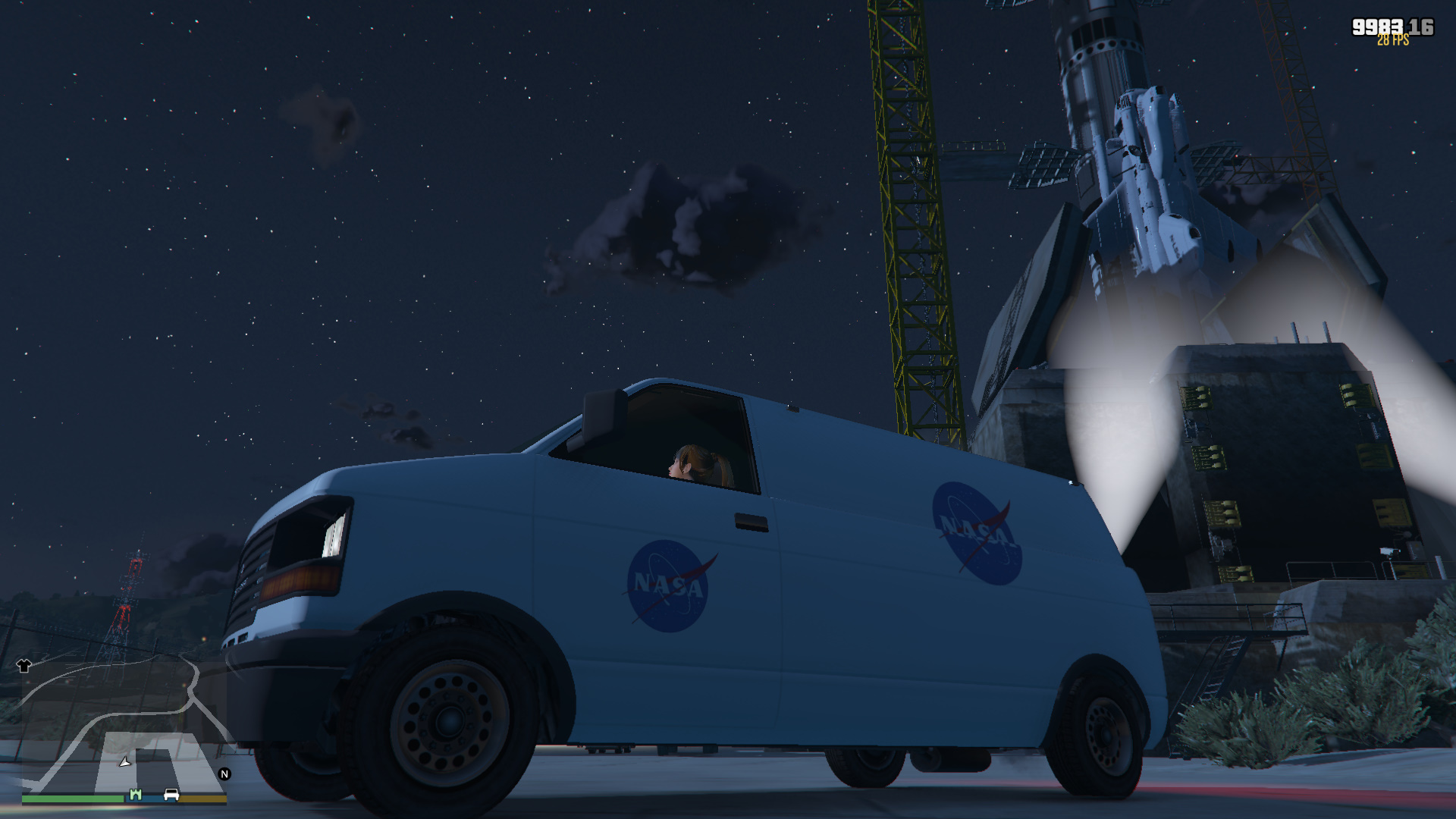
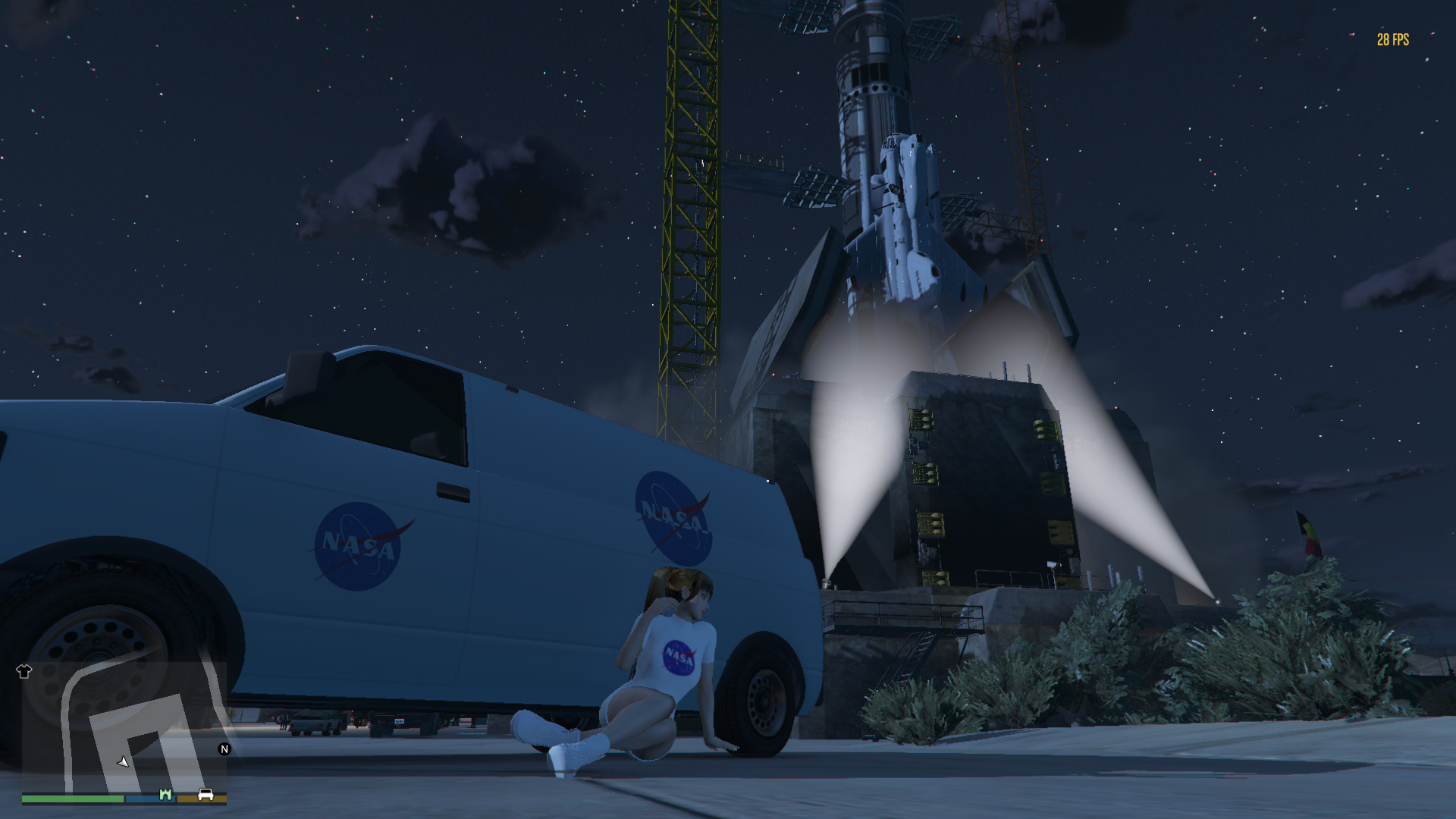
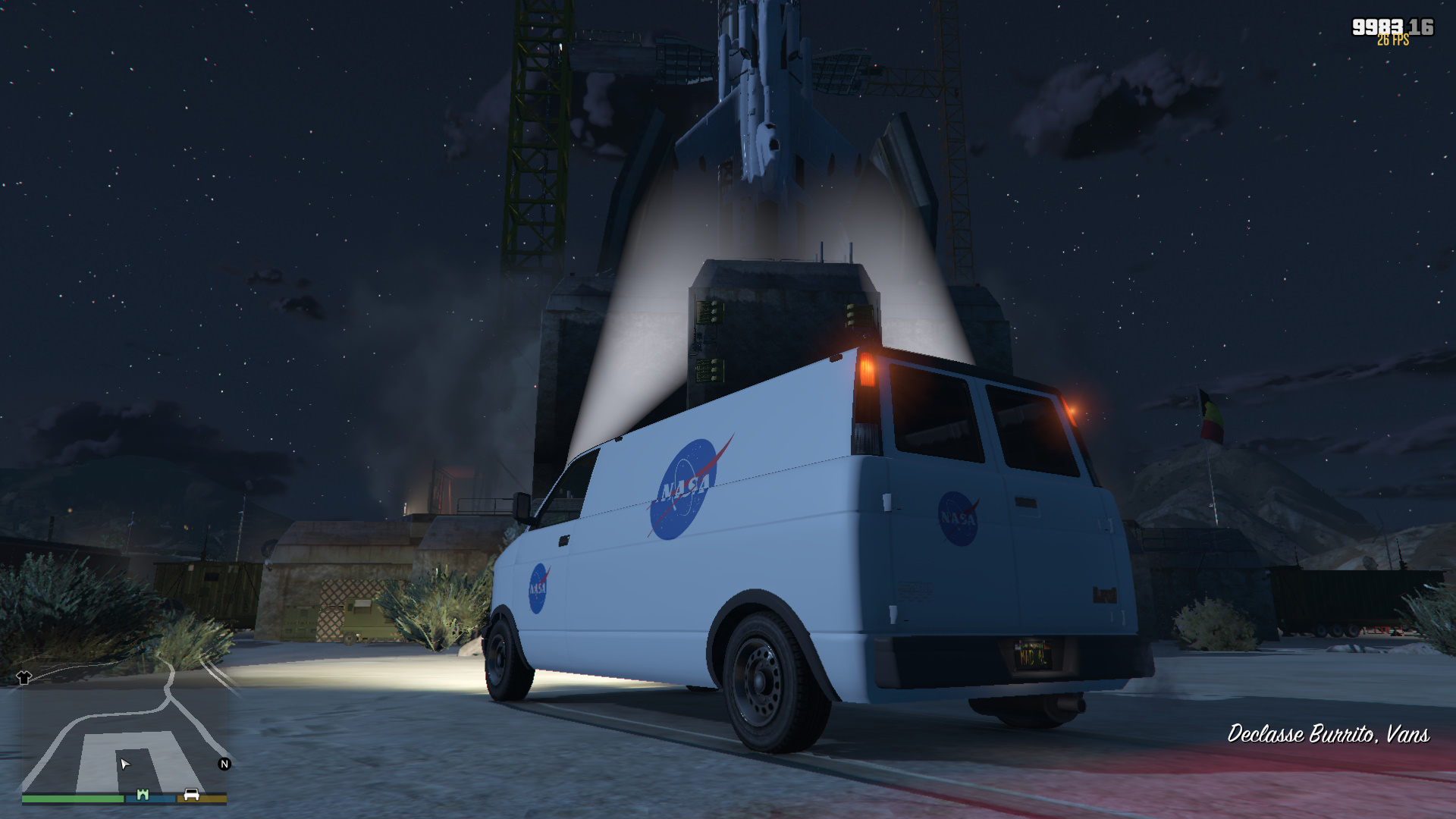
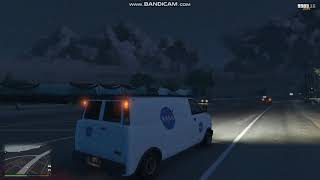
NASA van 1.0
.jpg)


207
12
207
12
Installation:
1: Extract the "burrito4.ytd" and "burrito4+hi.ytd" files.
2: Add them to "C:\Program Files (x86)\Steam\steamapps\common\Grand Theft Auto V\x64e.rpf\levels\gta5\vehicles.rpf\" using OpenIV.
N.B. Edit mode must be enabled. If you have replaced the existing burrito4 yft models, the original ones are in the "burrito4 model" folder
1: Extract the "burrito4.ytd" and "burrito4+hi.ytd" files.
2: Add them to "C:\Program Files (x86)\Steam\steamapps\common\Grand Theft Auto V\x64e.rpf\levels\gta5\vehicles.rpf\" using OpenIV.
N.B. Edit mode must be enabled. If you have replaced the existing burrito4 yft models, the original ones are in the "burrito4 model" folder
Primeiro envio: 03 de Maio de 2019
Último envio: 03 de Maio de 2019
Último download: 06 de Abril de 2025
2 Comentários
More mods by MrSupercar55:
Installation:
1: Extract the "burrito4.ytd" and "burrito4+hi.ytd" files.
2: Add them to "C:\Program Files (x86)\Steam\steamapps\common\Grand Theft Auto V\x64e.rpf\levels\gta5\vehicles.rpf\" using OpenIV.
N.B. Edit mode must be enabled. If you have replaced the existing burrito4 yft models, the original ones are in the "burrito4 model" folder
1: Extract the "burrito4.ytd" and "burrito4+hi.ytd" files.
2: Add them to "C:\Program Files (x86)\Steam\steamapps\common\Grand Theft Auto V\x64e.rpf\levels\gta5\vehicles.rpf\" using OpenIV.
N.B. Edit mode must be enabled. If you have replaced the existing burrito4 yft models, the original ones are in the "burrito4 model" folder
Primeiro envio: 03 de Maio de 2019
Último envio: 03 de Maio de 2019
Último download: 06 de Abril de 2025
 5mods on Discord

This file has been approved automatically. If you think this file should not be here for any reason please report it.
Hi, do I need to replace the file under the mod folder or the original x64e?